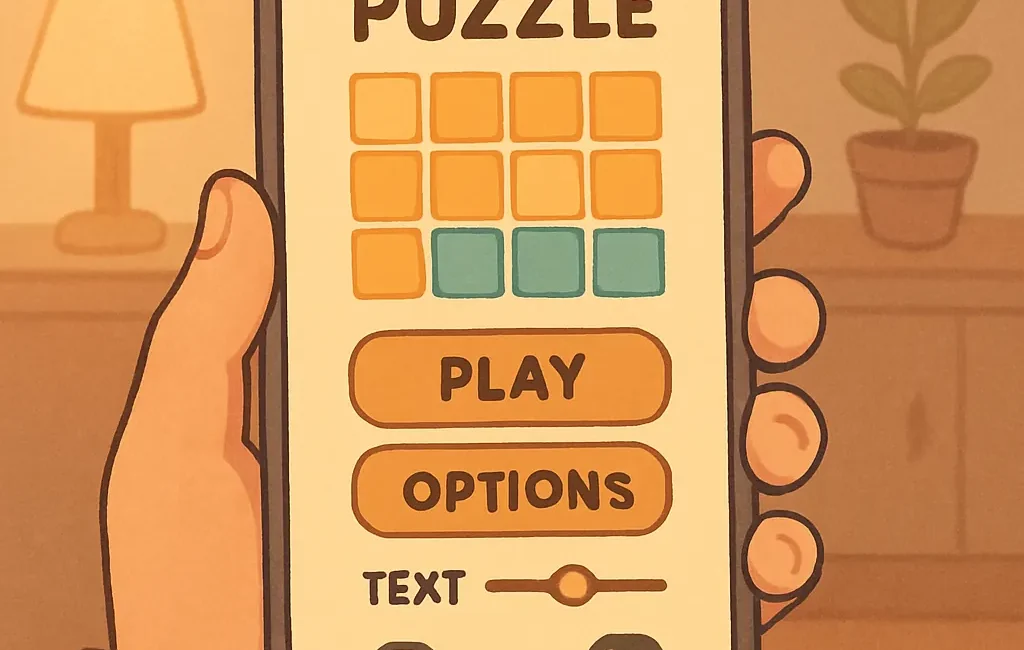
Casual games are meant to be easy to pick up and play, but small design choices can make a big difference for players with accessibility needs. This guide focuses on straightforward settings and adjustments you can look for or request from developers to make casual mobile and browser games more comfortable and usable: control options, readable text, color and contrast, audio alternatives, and simple comfort features.
Controls and input options
Good control options are the baseline for an accessible experience. Casual games often use taps, swipes, or simple gestures; look for settings that make those inputs forgiving and customizable.
- Touch target size: Larger tap areas reduce missed inputs. If a game offers a “large buttons” or “easy tap” mode, prefer that for short sessions and one-handed play.
- Sensitivity and gesture tuning: Adjustable swipe sensitivity and dead zones help players who have motor control challenges. Some titles let you reduce swipe distance requirements or disable complex gestures.
- Control remapping: Being able to assign actions to simpler inputs (single tap instead of double tap, or on-screen buttons instead of gestures) is a huge accessibility win.
- Controller support: If you prefer physical buttons, check whether a game supports Bluetooth controllers—this often reduces tapping strain and offers reliable inputs. Many casual titles include basic controller mapping or automatic mappings for common controllers.
Text size, UI scaling, and readability
Small text or crowded interfaces can make even relaxing games frustrating. UI scaling and text size options are especially useful on smaller phones and for players who prefer short, comfortable sessions.
- Adjustable text size: Look for a setting labeled “text size,” “large text,” or “accessibility font” to increase readability.
- UI scale or layout mode: Some games offer compact and expanded UI modes. Expanded modes space elements out and increase button sizes.
- Contrast and legibility: High-contrast UI themes, bold fonts, or outline options for on-screen text can make important information easier to read quickly.
Color, contrast, and visual alternatives
Color choices and contrast levels affect players with low vision or color vision differences. Designers who offer flexible visual settings make their games accessible without changing core gameplay.
- Colorblind modes: Protanopia, deuteranopia, and tritanopia modes swap or relabel colors so that information doesn’t rely solely on hue.
- High contrast / dark mode: Dark mode and high-contrast alternatives improve visibility in different lighting conditions and can reduce eye strain.
- Pattern or icon alternatives: When gameplay relies on color (for example, matching tiles), having shape or icon overlays gives a second visual cue independent of color.
Audio options and visual substitutes
Casual games often use sound cues for feedback. For players who are hard of hearing or in noisy environments, visual alternatives and flexible audio controls matter.
- Volume sliders per channel: Separate sliders for music, SFX, and voice lets you keep important cues audible while turning off distracting music.
- Subtitles and captions: Captions that include UI prompts and short feedback messages are helpful, even in games without story text.
- Visual feedback: Options to flash or highlight an element when a sound plays (or toggle vibrations) help players who rely on visuals.
Comfort features: motion, session length, and pacing
Comfort features reduce motion sickness and cognitive overload—especially important for players who play in short bursts or need gentle pacing.
- Reduce motion: Turn off screen shake, parallax, and animated camera motion when available.
- Toggle animations: Speed or simplify nonessential animations to focus attention and lower cognitive load.
- Session prompts and save-anywhere: Look for autosave, short-level formats, or prompts that make it easy to pause and resume without losing progress.
Practical checklist to try before you play
Use this quick checklist when you open a casual game for the first time. Many friendly titles put these options under “Settings,” “Accessibility,” or “Audio/Visual.”
- Increase text size or enable large font.
- Switch to high-contrast or dark mode if available.
- Enable colorblind mode or alternative icons for color-based puzzles.
- Turn on captions and set SFX/music volumes independently.
- Try controller support or remap touch controls to simpler inputs.
- Reduce motion and disable camera shake or parallax.
- Confirm autosave or use short-level modes for comfortable breaks.
Where to look for accessibility-minded casual games
Some games make accessibility an explicit priority; others include a few useful toggles. When hunting for titles with thoughtful options, check the app description, patch notes, or official support pages for words like “accessibility,” “large text,” or “controller support.” You can also pair accessibility choices with simplified mechanics—understanding how a game is built helps you decide which options to enable. For tips on how to simplify mechanics for accessibility, see our developer-friendly guide.
If you’d like recommended titles that balance calm design with helpful settings, see our curated list of relaxing games with good accessibility options. And if you’re managing a limited battery budget on mobile, check notes on accessibility and battery-life considerations—some comfort features like continuous high-contrast rendering or haptics can affect battery performance.
Final notes
Small settings often yield the biggest improvements. If a game you love is missing critical accessibility options, consider reaching out to the developer with concise suggestions—many indie teams welcome feedback and may add features that help more players enjoy their work. Accessibility for casual games isn’t just about compliance; it’s about making short, relaxing play sessions truly comfortable and inclusive.